Restaurant POS Billing
Create bills and manage daily sales through an organised point-of-sale workflow.
RESTAURANT OPERATIONS, SIMPLIFIED
From billing and kitchen orders to ingredient tracking and business reports, Bambooza POS brings your daily restaurant operations together in one system.
ONE SYSTEM FOR DAILY OPERATIONS
Manage the work behind every order, from the counter to the kitchen and the owner's reports.
Create bills and manage daily sales through an organised point-of-sale workflow.
Send kitchen order tickets to print and use the Kitchen Display System to view orders.
Configure recipe ingredients so stock reduces automatically when the related item is sold.
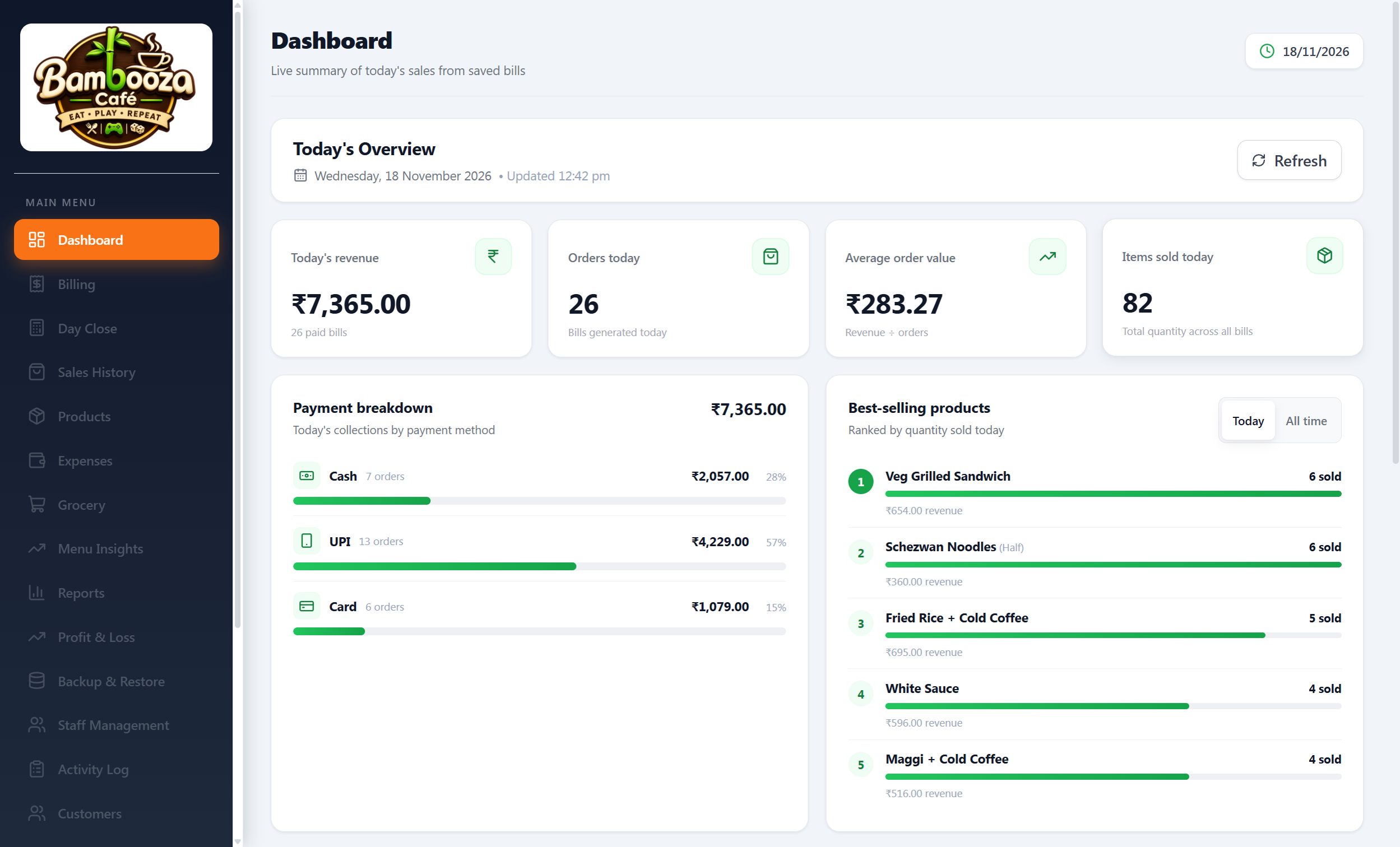
Review sales, reports, expenses and profit-and-loss information in one place.
Supports common 58mm and 80mm thermal receipt printers.
Get installation, training and ongoing support to help your team get started.
MADE FOR FOOD BUSINESSES
For table service, counter orders and delivery preparation, bring daily operations together with one restaurant POS system.
A CONNECTED WORKFLOW
Create the customer bill in the POS.
Use KOT printing or the Kitchen Display System.
Configured recipe ingredients reduce stock after a sale.
Use reports, expenses and profit-and-loss views.
A LOOK INSIDE BAMBOOZA POS
Explore the different features of Bambooza POS. Click any screenshot to enlarge it. Use arrows or your keyboard to navigate.
SIMPLE, REQUIREMENT-BASED PRICING
Pricing depends on your business requirements. Contact the Bambooza team for a walkthrough and a personalised quote.
FREQUENTLY ASKED QUESTIONS
Yes. Bambooza POS supports fully offline operation.
Bambooza POS supports 58mm and 80mm thermal printers. Confirm the compatibility of your particular printer model before installation.
Yes. Kitchen workflows support KOT printing and a Kitchen Display System.
Yes, when recipe ingredients are configured, the related stock is reduced after the item is sold.
Yes. Installation, training and ongoing support are available.
Contact the team for pricing based on your restaurant's requirements.
LET'S TALK ABOUT YOUR RESTAURANT
Share a few details and continue to WhatsApp with your enquiry pre-filled.
WhatsApp / Phone
+91 83750 99523